Topolabs Aero. See what the air is doing.
Topolabs Aero takes you from a CAD model to forces and flow fields, in your browser.
IN DEVELOPMENTMove the cursor to stir the flowSwipe to stir the flow. Swipe up twice to continue.Once more to continue.Touch to stir the flow
01 · A CASE, END TO END
From one STL to the flow around it
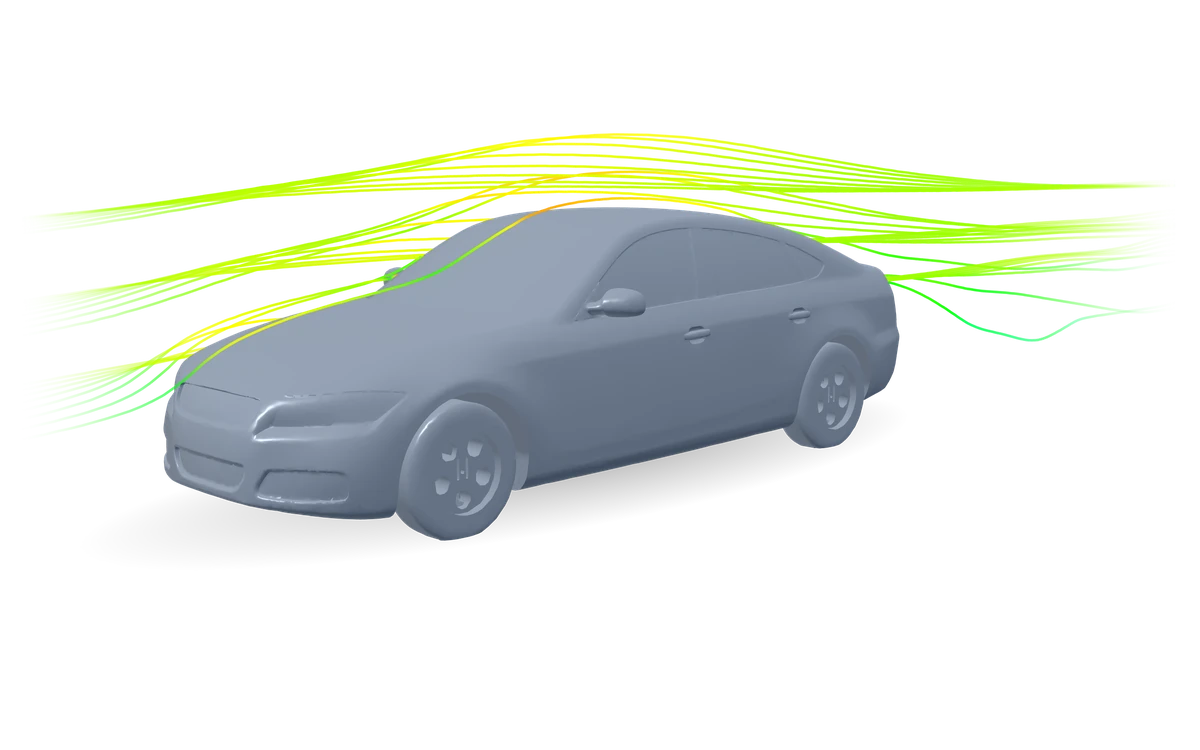
A real run from Topolabs Aero. Drag to look around.
Loading
Drag the car to rotate. Scroll from here to continue.
Illustrative run on a coarse mesh, not a validated result.
Geometry: DrivAer model, Technical University of Munich. Cranfield University adaptation by Soares, Garry and Holt, CC BY 4.0, assembled and scaled to full size.
02 · WORKFLOW
From geometry to comparison
Set up a case
Guided setup: geometry, speed, ground condition and resources.
Run it
Meshing and solving run as one pipeline; you follow convergence as it goes.
Read the results
Surface fields, streamlines, cut planes and forces in a 3D viewer.
Compare
Put two simulations side by side and see what changed.
Discuss
Leave comments pinned to a view, so the conversation stays with the result.
Have an engineering problem that deserves a better tool?
Click to copyTap to copy